
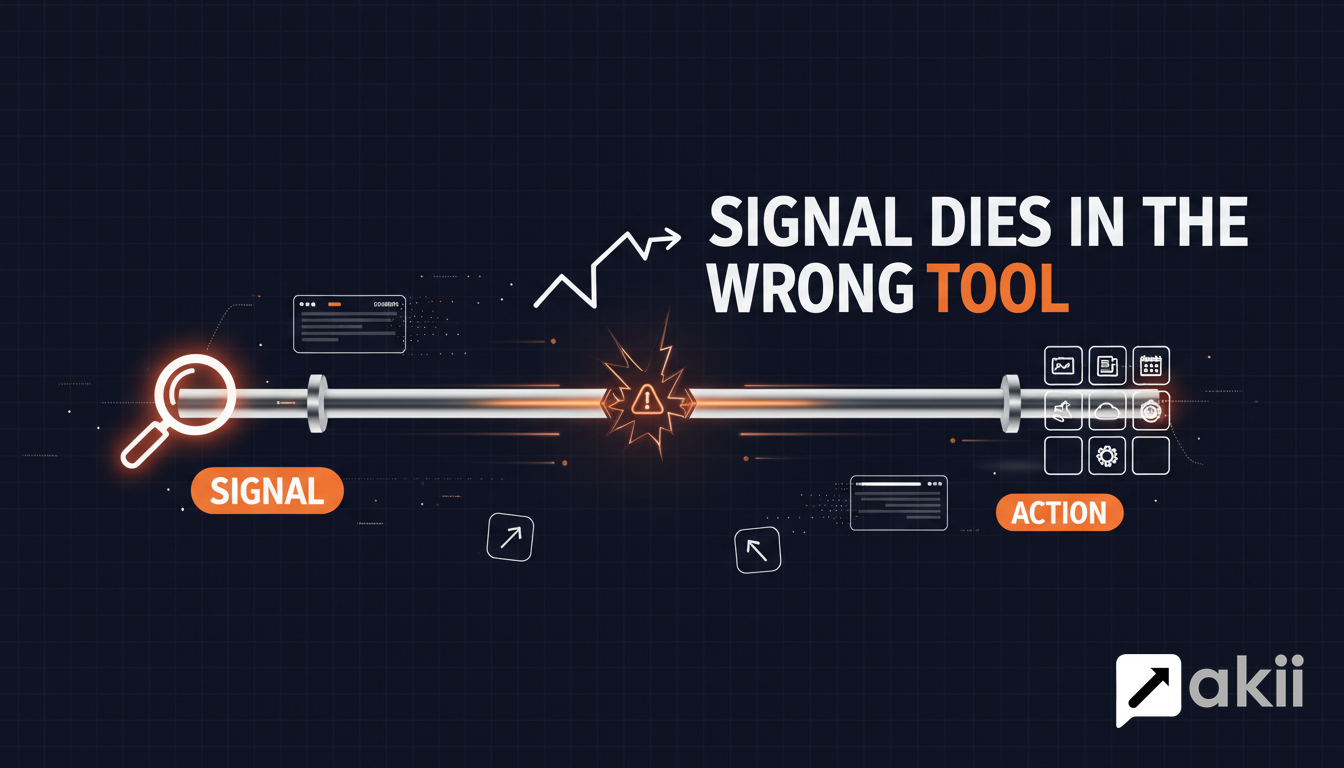
Something most businesses get wrong about sales tools is the gap between finding a lead and doing something about it.
You can have the best signal in the world. Someone out there, right now, publicly asking for the exact thing you sell. But if that signal lands in a tool nobody checks, or sits in a tab someone forgot to open, it's the same as never finding it at all.
That's the problem Revenue Scout Connections is built to fix.
What is Revenue Scout Connections?
Revenue Scout finds public conversations where people are asking for products or services like yours. It explains the match and prepares replies for you to review, edit and post. The human stays in control of every response.
Connections is the next step. It brings those discovered conversations into the tools your team already works in, so the signal doesn't die in a separate dashboard.
Twelve connectors at launch: Gmail, GoHighLevel, Notion, Pipedrive, Salesforce, Airtable, Google Sheets, Slack, Discord, Teams Workflows, signed webhooks and HubSpot.
That's not a random list. Those are the tools where sales work actually happens.
Why does the gap between discovery and action matter?
I've watched this pattern repeat for 25 years across different technology cycles. A team gets access to a great source of leads or signals, gets excited for a week, and then usage drops off because the information lives somewhere outside their daily workflow.
The issue isn't the quality of the signal. It's the friction between seeing it and acting on it.
Every extra click, every tab switch, every "I'll check that later" is a place where a real opportunity quietly disappears. Not because someone decided to ignore it. Because the workflow didn't carry it forward.
Connections exists to close that gap.
What does this look like in practice?
Here's where it gets concrete.
You use a CRM to manage your pipeline. Bring reviewed conversation evidence into Salesforce, GoHighLevel or Pipedrive. Map prospect details to HubSpot contact properties. The buyer signal arrives where your sales process already lives, not in a separate tool you have to remember to check.
Your team runs from a shared workspace. Keep selected conversations in Notion, Airtable or Google Sheets, with the sales stages your team already uses. No new system to learn. No new habit to build.
You need the right person to see an opportunity fast. Route selected conversations into Slack, Discord or Teams Workflows. The person who can act on it sees it where they're already paying attention.
Email is your next move. Gmail supports the exact emails and follow-ups you approve. You review before anything sends.
You've built your own systems. Signed webhooks connect Revenue Scout to whatever you run, including Make and n8n automations.
The point in every case is the same: the signal shows up where the work happens.
Who is this actually for?
Three examples that are easy to picture.
An agency spots a relevant buying signal through Revenue Scout. Instead of copying a link into a message, the signal routes directly to the sales channel in Slack. The right person sees it, decides whether to act, and the conversation is already logged.
A consultant tracks promising conversations in Google Sheets. Each row has the context Revenue Scout found, the match explanation, and the stage the consultant assigns. No extra data entry. No switching between apps.
A founder brings prospect evidence into their CRM before planning their next outreach. The conversation context is already there. They write the email knowing exactly what the prospect asked for and where.
These aren't hypothetical workflows. They're the kind of jobs people already do manually, just slower and with more friction.
What's the actual setup process?
Four steps.
- Choose the brand you're monitoring in Revenue Scout.
- Connect the destination, whether that's your CRM, workspace, messaging tool or webhook endpoint.
- Preview the content and actions before anything goes live.
- Activate your workflow.
That's it. You're not building an integration from scratch. You're connecting two things that should have been connected from the start.
Why build it this way?
Most product teams overcomplicate integrations. They try to build a platform inside a platform, add configuration screens with dozens of options nobody uses, and make the setup process feel like a project.
The better approach is simpler. Find where the customer's work already happens. Put the signal there. Let the customer decide what to do next.
That's the design principle behind Connections. Your tools. Your workflow. Revenue Scout just makes sure the right information arrives in the right place.
What this means if you're already using Revenue Scout
If you're already finding buyer conversations through Revenue Scout, Connections is available now. You can visit Revenue Scout.
Pick a connector. Test it. See how it changes the speed between discovery and action.
What this means if you're not using Revenue Scout yet
The core idea is worth understanding even before you try the product.
Every business has potential customers asking questions in public right now. On forums, in communities, across social platforms. Most of those questions go unanswered by the businesses best positioned to help, because nobody saw them in time or the signal never reached the person who could respond.
Revenue Scout finds those conversations and prepares replies for human review. Connections makes sure the discovery reaches the tools where your team can actually do something about it.
If that sounds like a problem you have, explore Revenue Scout and see what it finds for your business.